

Creates two joints that always aim at each other.
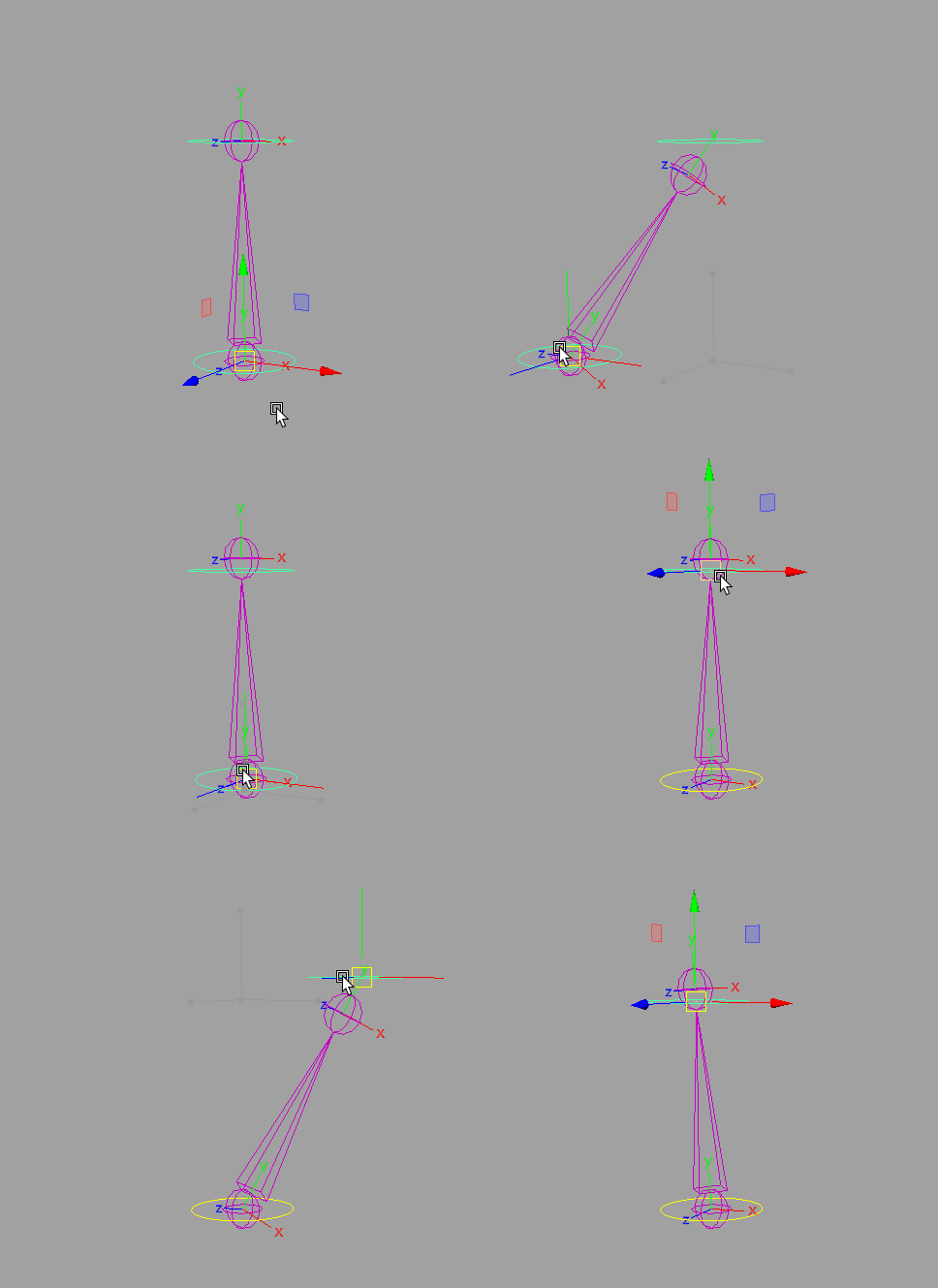
Guides:
- ‘Root Guide’ – Position of the root joint.
- ‘Tip Guide’ – Position of the tip joint.
Attributes:
- ‘Ctrls Scale’ – Scale all the node ctrls. Note that the attachments ‘Ctrls Settings’ and ‘CtrlsShape’ will override this.
[As of version 1.06.03] ‘Update’ button to change the ctrls size without requiring a rebuild. [Video] - ‘Clean Transformations’ – If checked, the zeroed pose will be the same as the bind pose; if unchecked, when zeroing the ctrls, they will align with a world axis specified in the following two attributes. [Video]
- ‘World Orientation’ – The world axis the ctrls will align with when zeroed. Usually, this attribute’s default value is the correct value. [Video]
- ‘World Orient Twist’ – Along with ‘World Orientation’, defines the ctrls zeroed pose. Usually, the default value of 0 is the correct value. [Video]
- ‘Expose RotateOrder’ – Exposes all the ctrls ‘RotateOrder’ attribute in the Channel Box. [Video]
- ‘Secondary Ctrls’ – Secondary ctrls are added under some ctrls to help prevent gimbal lock.
A visibility attribute is added to the parent ctrl. [Video] - ‘Joint Length’ – Defines whether the joints will expand, shrink, or both expand and shrink.
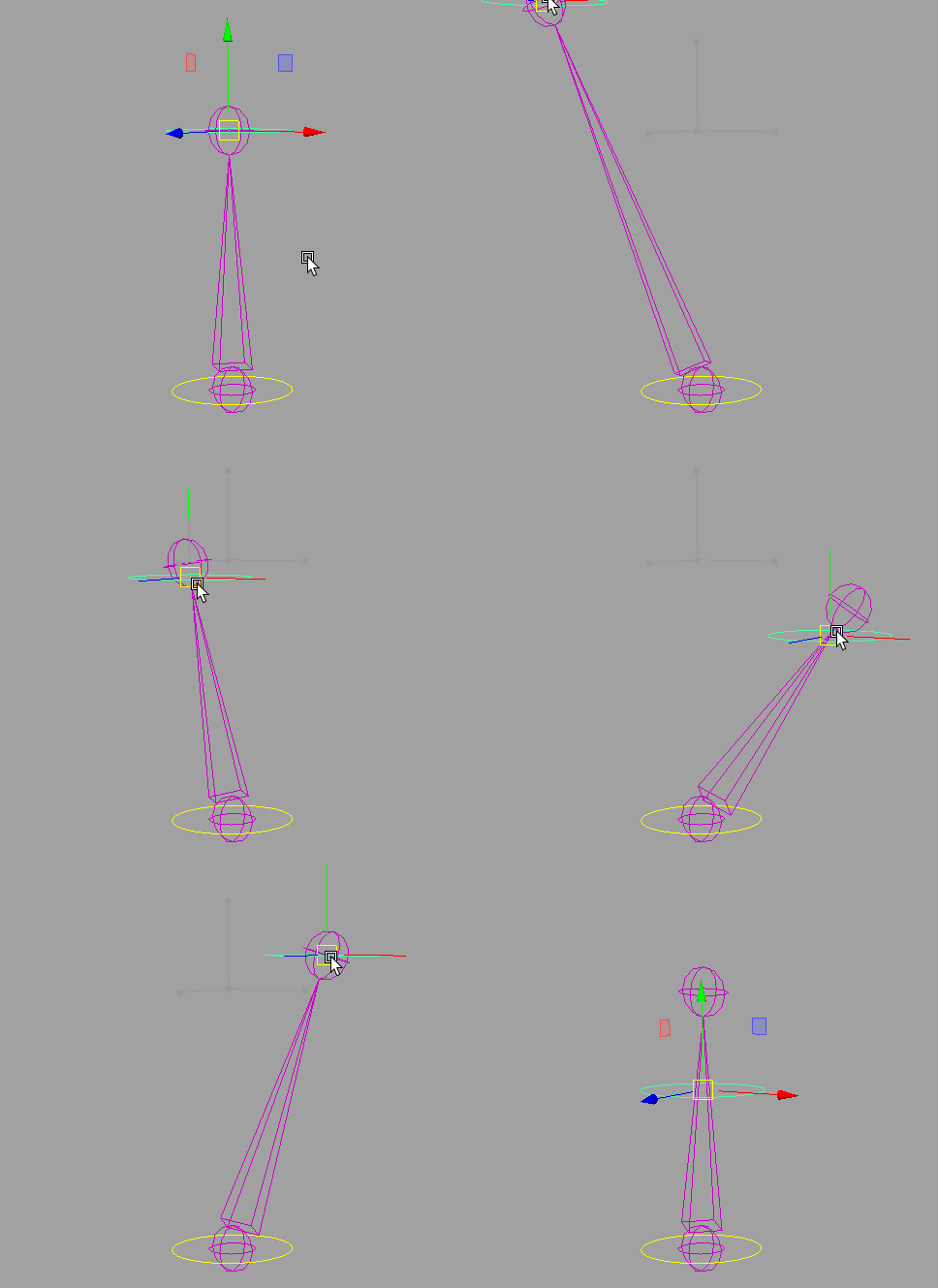
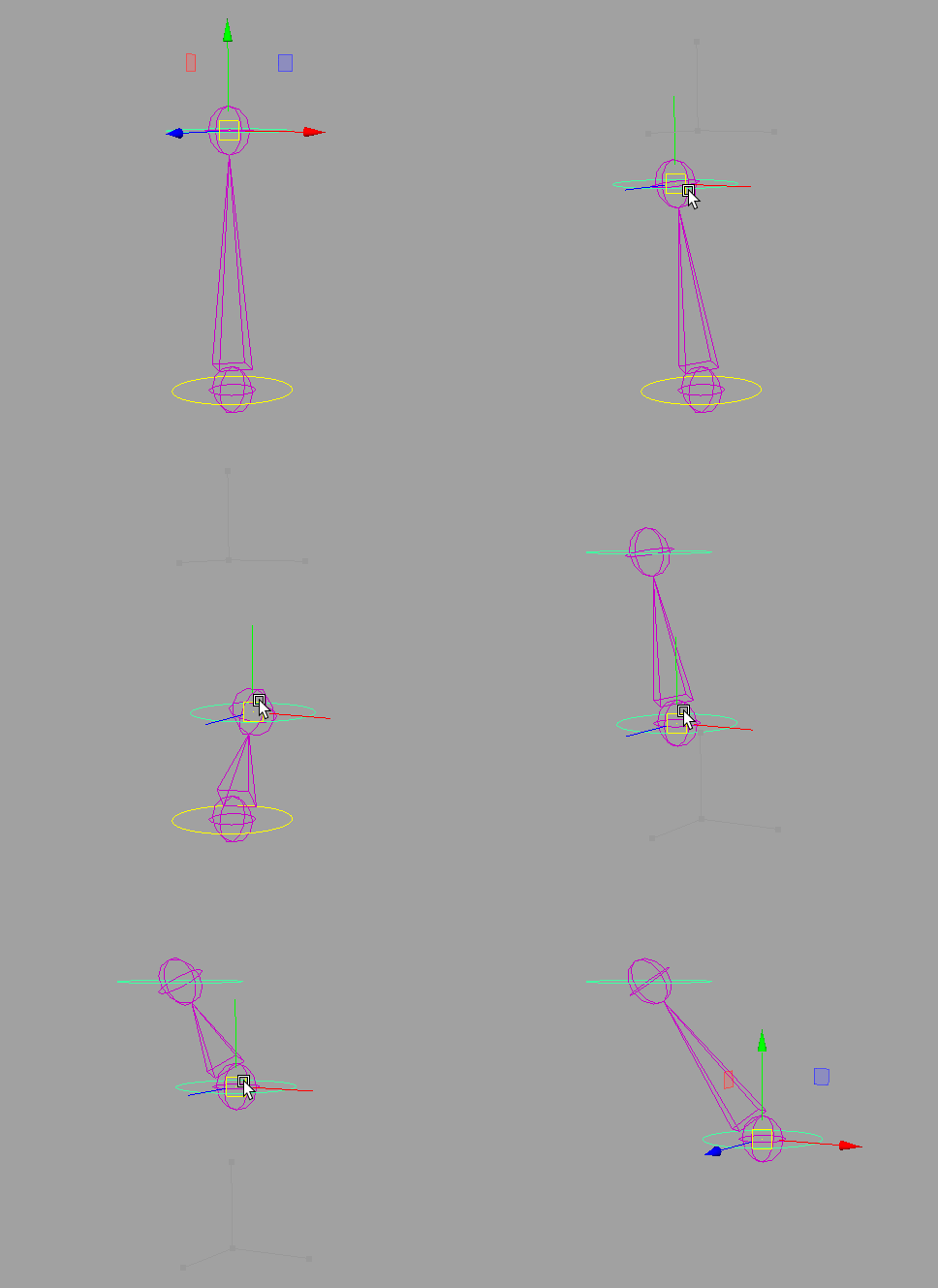
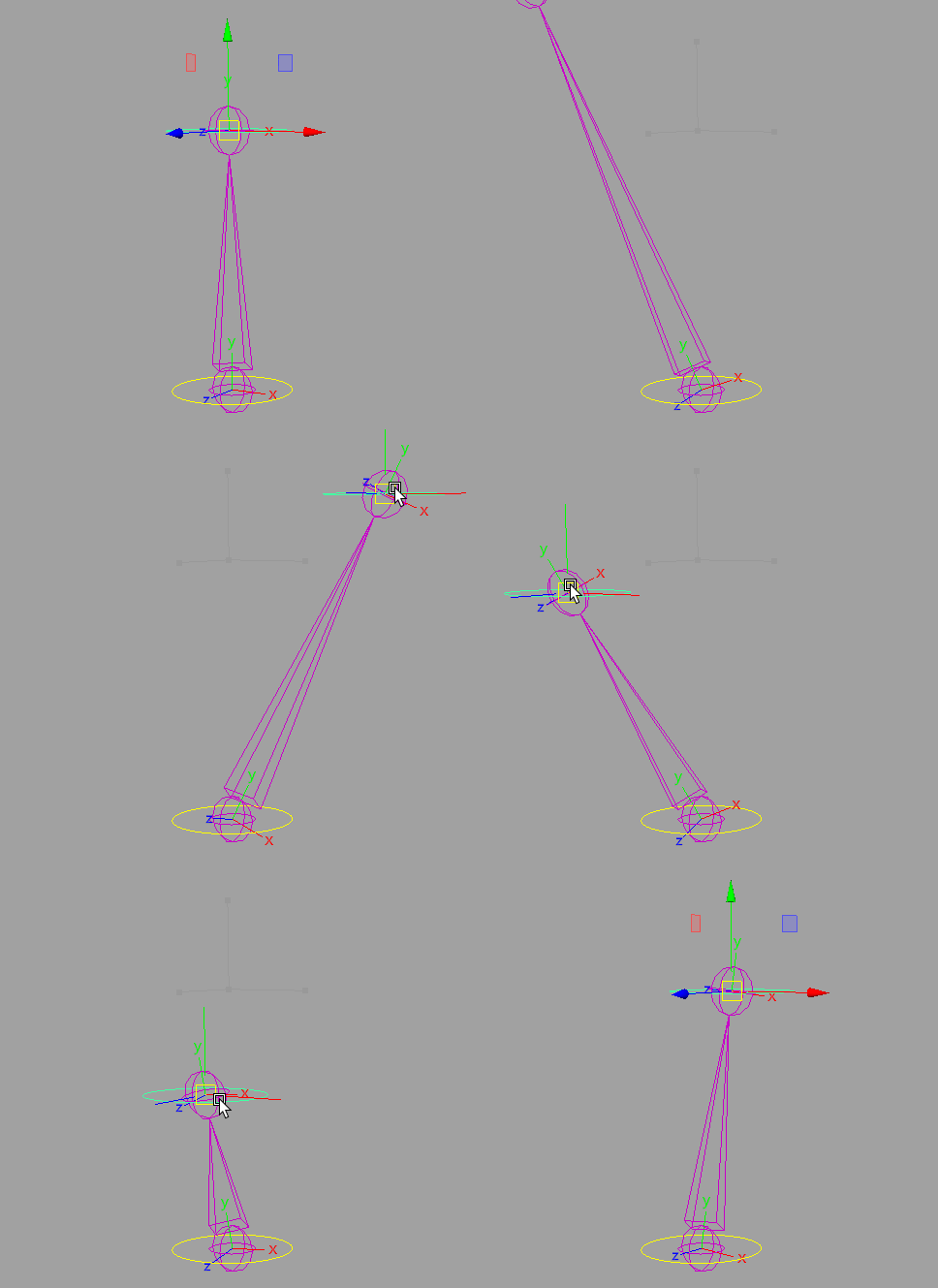
(Left to right: Expandable, Shrinkable, Both) - ‘Volume’ – Adds a ‘volume’ attribute to ‘root_ctrl’ that enables squashing and stretching when joint lengths expand or shrink.
Connections:
- ‘Root Input’ – Drives the ‘root_ctrl’.
- ‘Tip Input’ – Drives the ‘tip_ctrl’.
- ‘Root Output’ – An output at ‘root_jnt’.
- ‘Tip Output’ – An output at ‘tip_jnt’.
_____________________________________________
Get Arise at: https://www.ariserigging.com


